
🚀Closed Beta Now Open
Made in Singapore
Your Personal Assistant AI
Built to handle all your personal assistant and automation needs—HeyPico.ai sees and controls your device like a human would. Think of it as your own “Jarvis,” taking care of the busywork so you don’t have to.
How It Works
Step 1
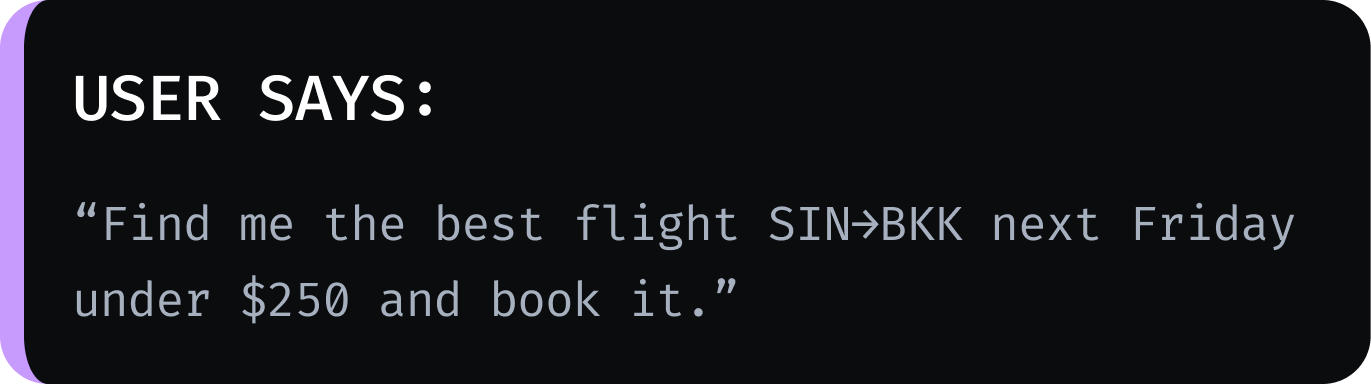
Talk to HeyPico
Simply speak or type your request in plain language, just like you would ask a human assistant.
Step 2
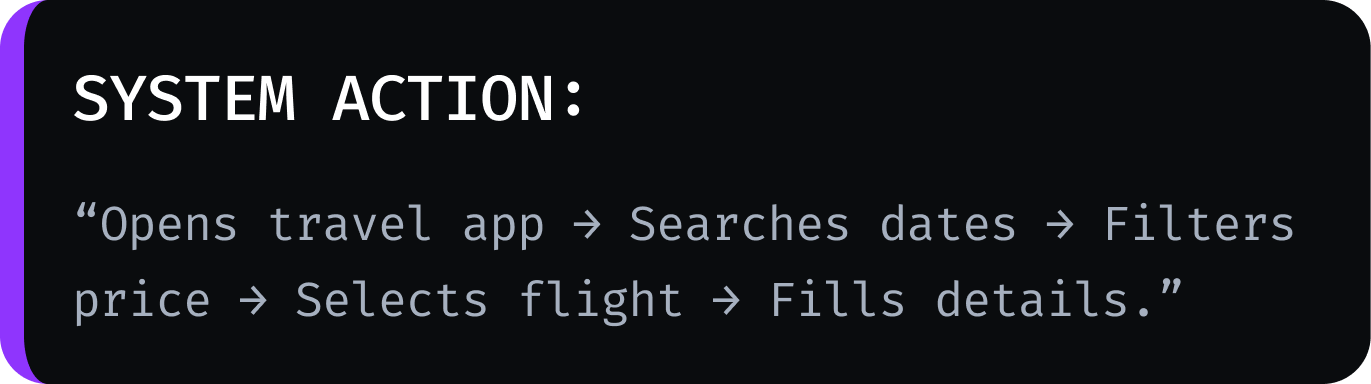
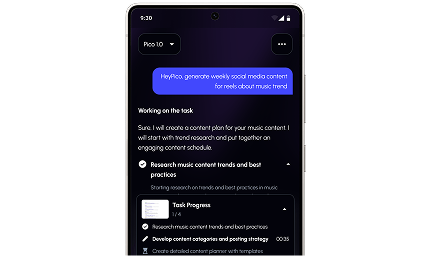
AI Vision Plans & Acts
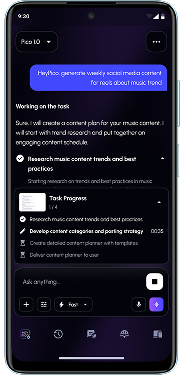
Our AI reads the mobile UI, navigates apps, taps buttons, and inputs data autonomously.
Step 3
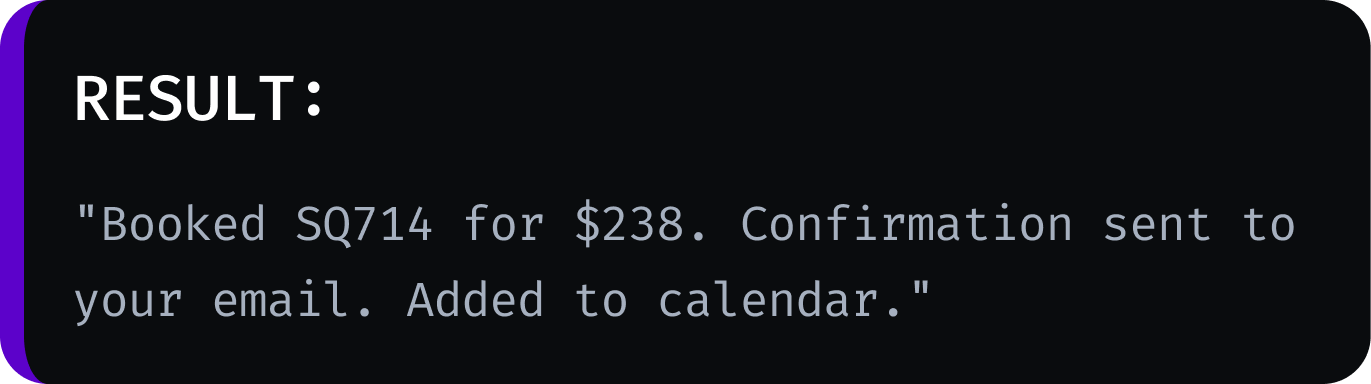
Confirm & Execute
HeyPico summarizes the action for your approval, completes the transaction, and reports back.
Accessible via

Android and iOS

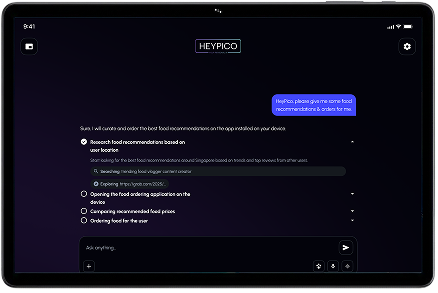
Companion Device

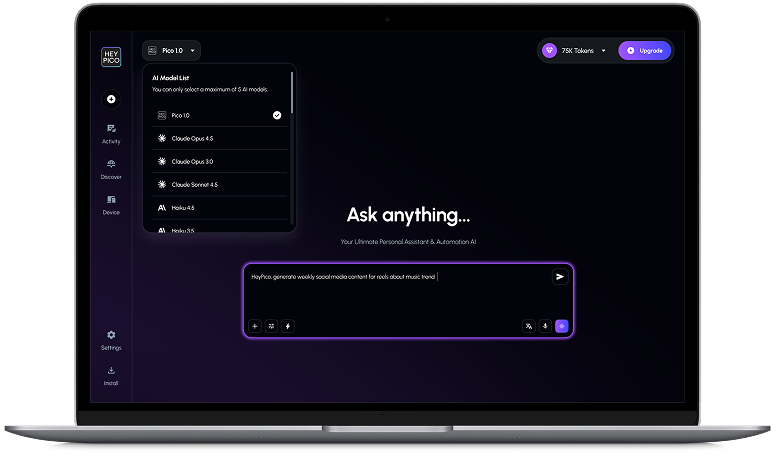
Web Browsers
Our Features

Companion Voice
- Hands-free
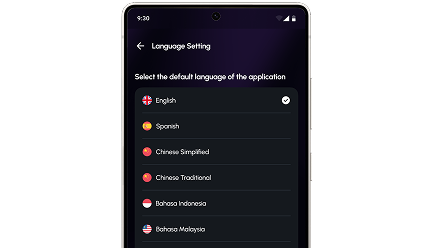
- Listens in 100+ languages
- Talks in 70+ languages
- Mix languages mid-sentence. Natural talk → instant answers, translation & tasks.

App Automations
- Voice or chat: control any Android apps on Companion Device + teach & schedule forever.
- Vision AI spots buttons/icons → books rides, orders food, plays music, replies.
- Teach once: “Do A → B → C” — it saves the sequence and runs automatically on any schedule

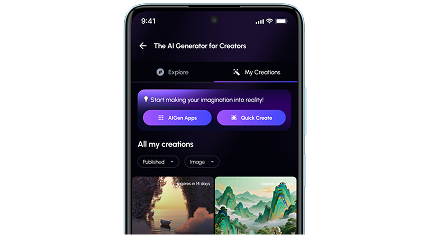
AI image & Video Generation
- Text-to-image/ video and image-to-image/ video
- Use the latest Qwen/ Kling/ Seedream/ Nanobanana/ Veo and more
- Custom ComfyUI workflows are added daily. Upload and run your own workflows.

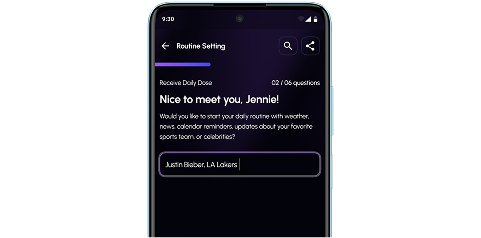
Remembers Everything
- Personal graph database built just for you
- Never forget your chats, preferences or
routines → hyper-personal conversations anytime.

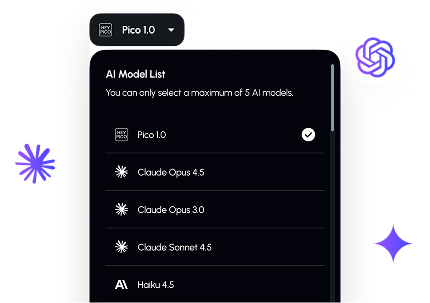
All-in-One AI Brain
- Enterprise access to Claude, GPT, Gemini, Perplexity, Kimi & more.
- Switch any model freely within your plan’s token limits — always latest versions.

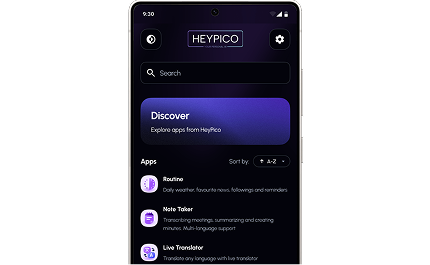
Discover AI Apps
- Live Note Taker
- Expense Tracker
- Personalized Daily Summary of Followed Content
- Birthday/Anniversary/Appointment Daily Reminders
- And many more

YOUR DATA IS SECURE
Nothing Shared Without Consent. Delete Anytime.
Supported By




Get in Touch
Connect with Heypico.ai – [email protected]
Join our Telegram Community https://t.me/heypico
What is HeyPico.ai?
It’s an AI with vision technology that understands what’s on your screen—just like a human would—and can move, click, and type to control your device and automate tasks for you.
How is my data protected?
Your data with our AI stays 100% private in a solo graph database on our dedicated servers with best security practices including encryption, secure connections and permissions. Nothing is shared without your consent. You may delete your data at any time by deleting your account.
Why do we need the Companion App on top of the HeyPico.ai App?
Firstly, you can use the Companion App by itself to automate itself. Secondly, the HeyPico app acts as the controller, while the Companion App runs in a separate, isolated environment. This setup gives users full control over what is accessed and automated, ensuring a more secure, private and flexible experience.
How is my data protected on the Companion Device?
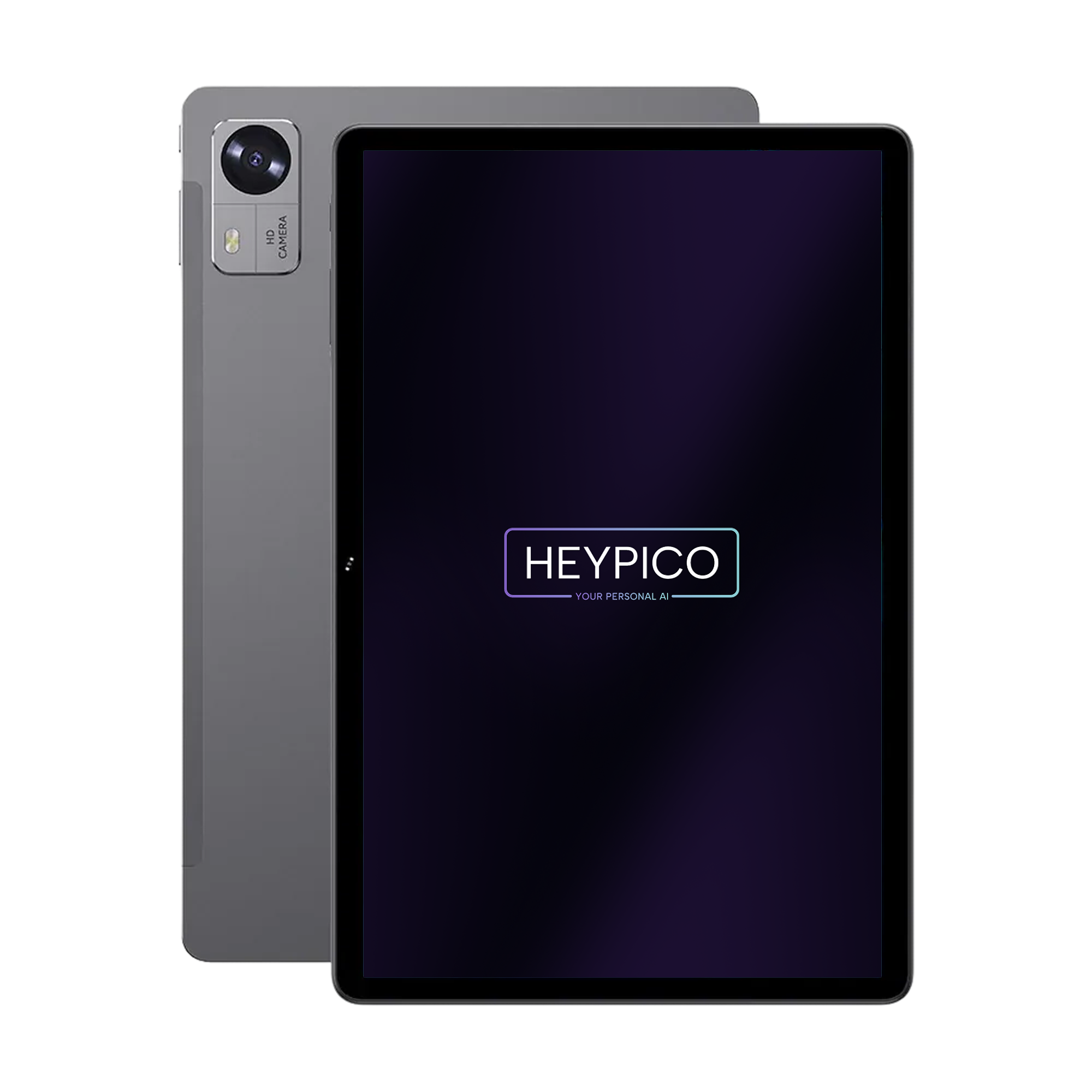
The Companion app operates on the Companion Android Tablet or on your Android device. We recommend installing it only on a device that contains the apps you want the AI to interact with, ensuring the AI has access only to the apps you explicitly allow. The AI will ask for permissions before taking actions like sending messages/making payments unless you explicitly create the work flow to bypass.
Do I need technical knowledge to use HeyPico?
No. HeyPico is designed to work with simple instructions. Just tell the AI what you want done, and it will perform the task inside the relevant apps.
How can I make the automation faster and more accurate?
After automating once, you can rerun the prompt again and tell Pico what you want improved. It may take a few times to perfect the automation workflow that you want as Pico needs to learn the user interfaces and what you want to achieve.